


Rewind
Rewind captures your computer while you work - including your meetings - letting you go back to any moment in an instant.
Overview
Your AI assistant that has all the context
Rewind AI continuously captures your screen activity, audio, and text inputs—across any app or browser—and builds a private, searchable timeline of everything you’ve done.
Top Reasons to use Rewind:
MEETINGS
Automate note-taking and get human-level meeting summaries
BACKUP
Avoid ever repeating lost work when a system inevitably crashes
AI ASSISTANT
Leverage AI to find details, draft emails, and summarize it all
Key highlights include:
Instant Playback: “Scroll back in time” to any moment—recover lost work after crashes or forgotten saves.
Universal Capture: Records across Zoom, Meet, Teams, local apps, and web browsers.
Powerful Search: Find keywords, phrases, or specific speakers in seconds.
Local-First Privacy: All data stays encrypted and stored on your device—no cloud upload unless you choose.
AI Summaries & Clips: Auto-generate meeting notes, extract key quotes, or clip moments for quick sharing.
Demo Screens
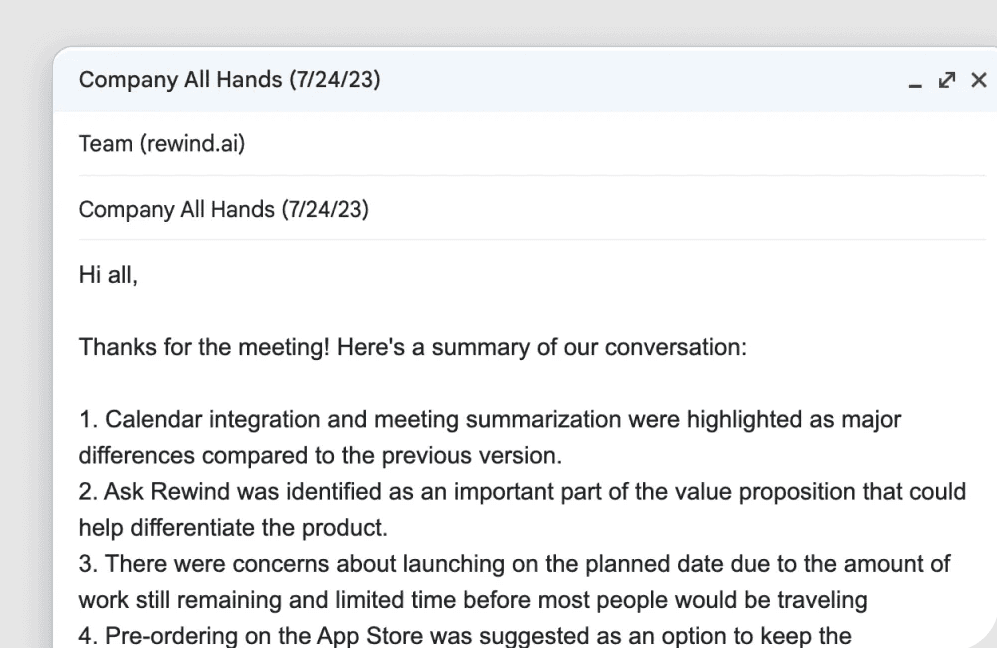
Automate note-taking and get human-level meeting summaries
Record meetings no matter who’s the host and without inviting bots. Save hours each week with auto-recording and human-level meeting summaries, ready to share with your colleagues.
Avoid ever repeating lost work when a system inevitably crashes
Enjoy the safety net of having everything backed up without any of the data concerns. When you forget to hit save or your browser crashes, there’s no lost or wasted time. Scroll back in time to any moment.
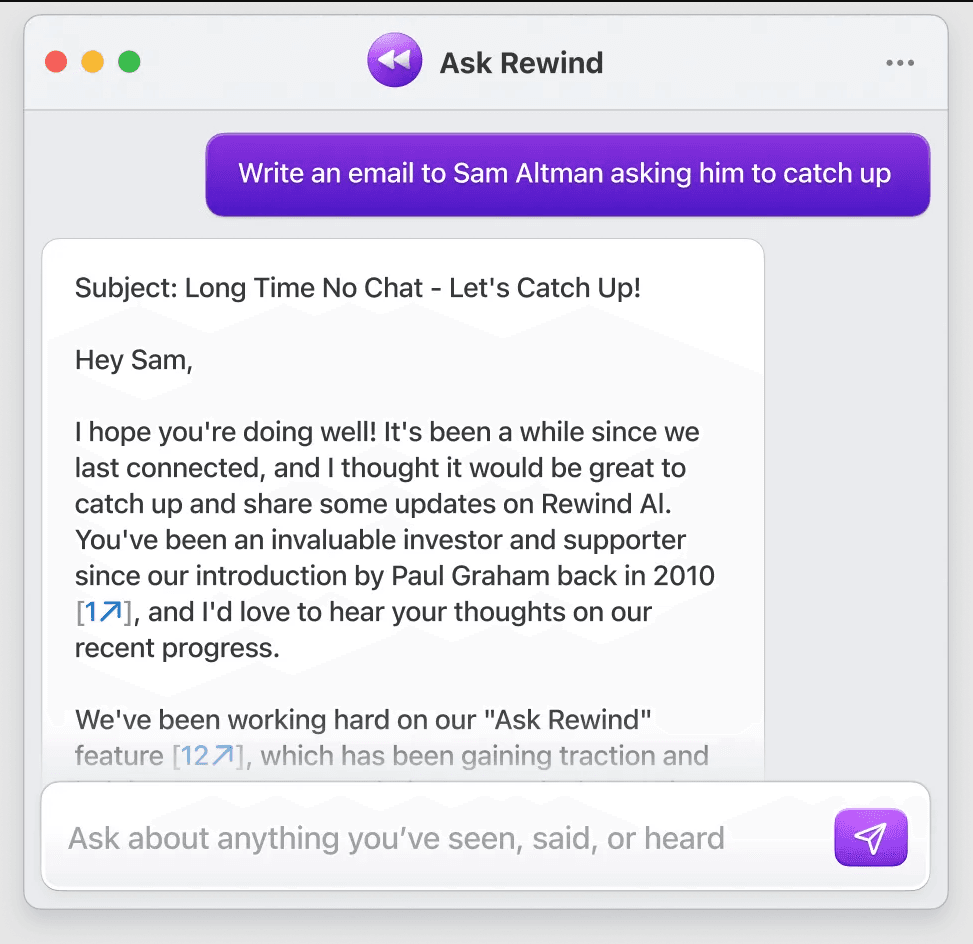
Leverage AI to find details, draft emails, and summarize it all
Get a personal assistant who is everywhere and knows everything to handle tasks, capture notes, and summarize information for you behind the scenes. The power of GPT-4, personalized to you.
Agent Capabilities
Search Memory
Retrieve past interactions—screenshots, audio clips, or text—by keyword, phrase, or timestamp.
Summarize Past Content
Generate concise summaries or bullet-point highlights of a recorded session—meetings, coding sessions, or research.
Capture Memory
Continuously record and index your screen, microphone, and text inputs in the background, creating a live timeline you can revisit.
Scout Summary